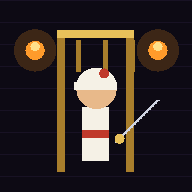
 DUNGEON PRINCE
Fan-made homage · Free · Non-commercial
DUNGEON PRINCE
A fan tribute to the 1989 cinematic-platformer classic — rebuilt from scratch for the browser. The vizier has poisoned the Sultan and sealed the palace. From the deepest cell, you have 25 minutes. Run, prince.
No downloads · no ads · works offline · phone & desktop
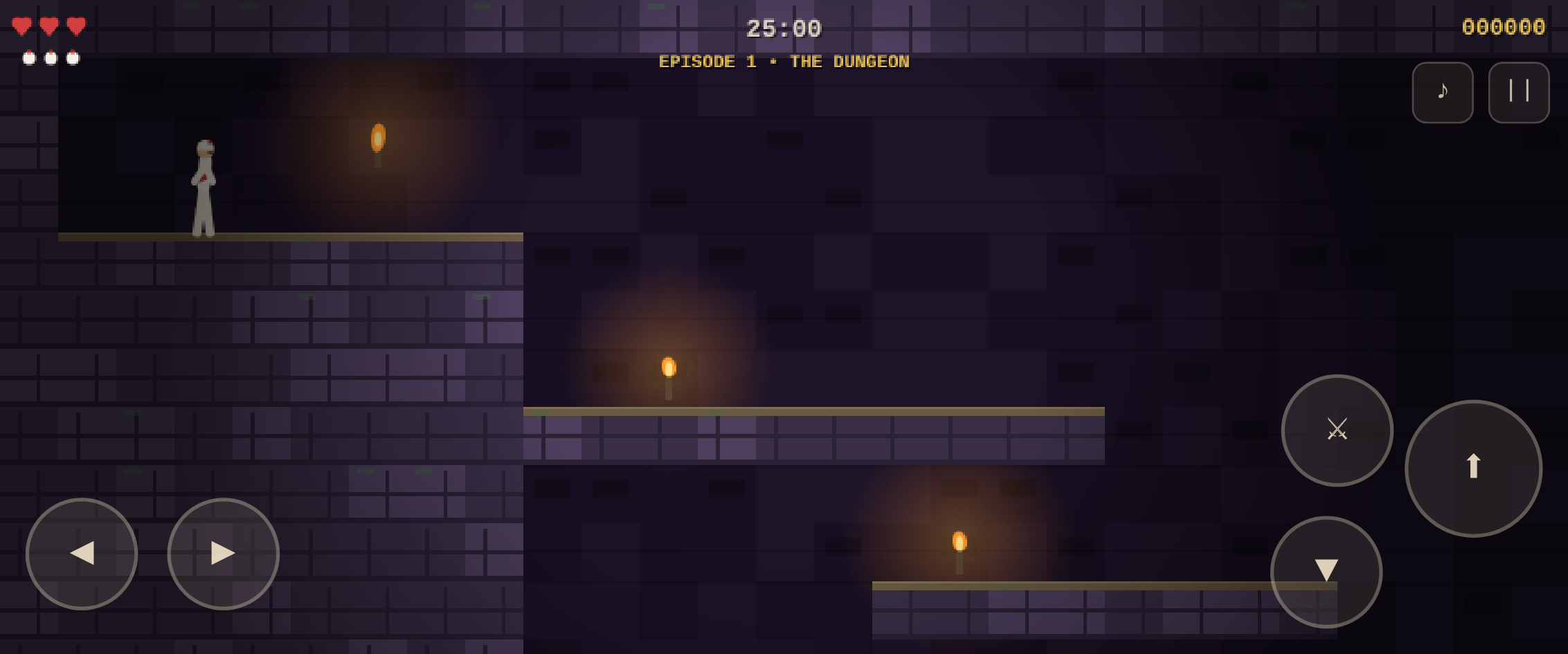
Play in browser
Best experienced fullscreen, and in landscape on phones. Your best score and episode unlocks are saved on your device.
Three episodes. One clock.
A single 25:00 countdown runs across the whole rescue. Three lives. Potions restore hearts — the rare blue draught adds one. Every guard slain and every second spared feeds your score.
EPISODE 1
The Dungeon
Out of the cell. Learn to leap, cling to ledges and climb. Loose floors crumble over the spike pit — and your sword waits on the far slab.
📜 Episode guide →EPISODE 2
Halls of the Guard
Slicing blades guard the doorways and the timed gate will not wait. Cross the tower over a patrolling guard — or drop the floor on his head.
📜 Episode guide →EPISODE 3
The Palace Gates
The final climb. Elite blades of the vizier hold the sky bridges. The throne room lies beyond the last portcullis.
📜 Episode guide →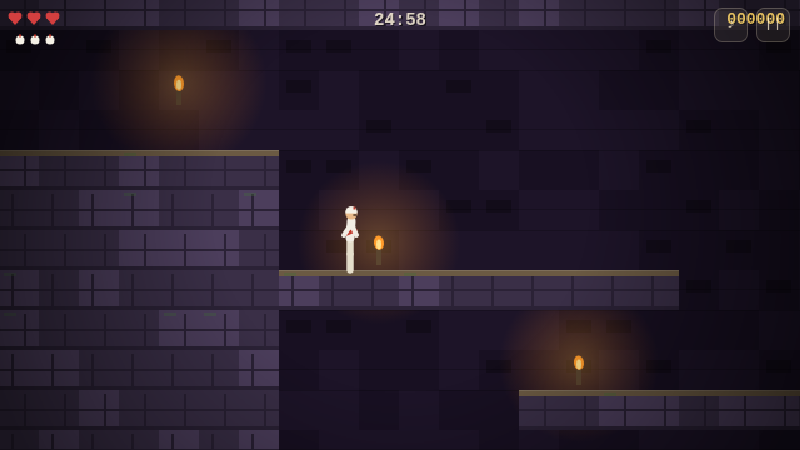
Cheatsheet & episode guides
Stuck on a spike pit or a timed gate? The full walkthrough covers every trap, guard pattern and secret potion — plus a printable controls cheatsheet.
COMPLETE
Full cheatsheet
Controls, survival rules and all three episodes in one printable page.
Open guide →EPISODE 1
The Dungeon
Room-by-room walkthrough: traps, guard timings and the safest path.
Read episode guide →EPISODE 2
Halls of the Guard
Room-by-room walkthrough: traps, guard timings and the safest path.
Read episode guide →EPISODE 3
The Palace Gates
Room-by-room walkthrough: traps, guard timings and the safest path.
Read episode guide →Controls
📱 Touch
- ◀ ▶ — run
- ⬆ — jump · grab ledge · climb up
- ▼ — crouch · creep past spikes · let go
- ⚔ — draw steel and strike
⌨️ Keyboard
- ← → / A D — run
- ↑ / W / Space — jump · grab · climb
- ↓ / S — crouch · creep · let go
- X / J / Enter — attack
- P · M · Q — pause · mute · quit
Install as an app
Dungeon Prince is a Progressive Web App: installed once, it launches fullscreen from your home screen and plays entirely offline.
Android · Chrome
- Open the game
- Tap the ⋮ menu
- Choose “Add to Home screen”
iPhone · Safari
- Open the game
- Tap the Share icon
- Choose “Add to Home Screen”
Desktop · Chrome / Edge
- Open the game
- Click the install icon in the address bar
- Launch it like any app
Built from scratch
Zero assets
Every brick, torch flame, portcullis and figure is drawn procedurally on a Canvas each frame; every clang and fanfare is synthesized live with WebAudio. The whole game is one small script.
Classic feel
Fixed-timestep physics tuned to the cinematic-platformer canon: running and standing jumps, automatic ledge grabs, fall damage measured in floors, and swordplay built on telegraphs and timing.
Open source
The engine, the three episode maps, the icon generator and the automated Playwright playtest suite are all in the repository. Episodes are ASCII tile maps — add your own.